Your Machinedrum and Monomachine, on one screen.
Free editors that run the real firmware, or drive your own machine over MIDI.
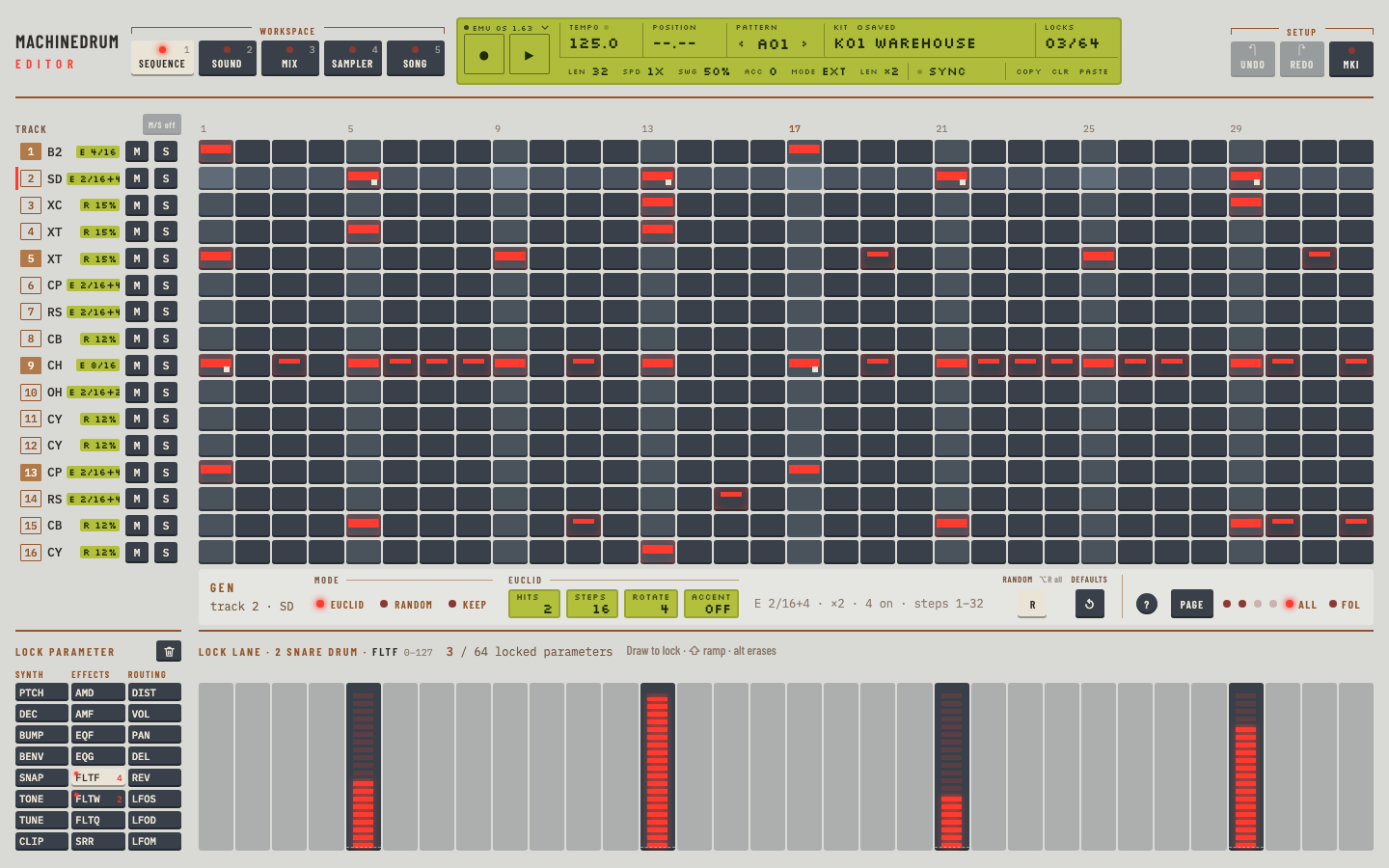
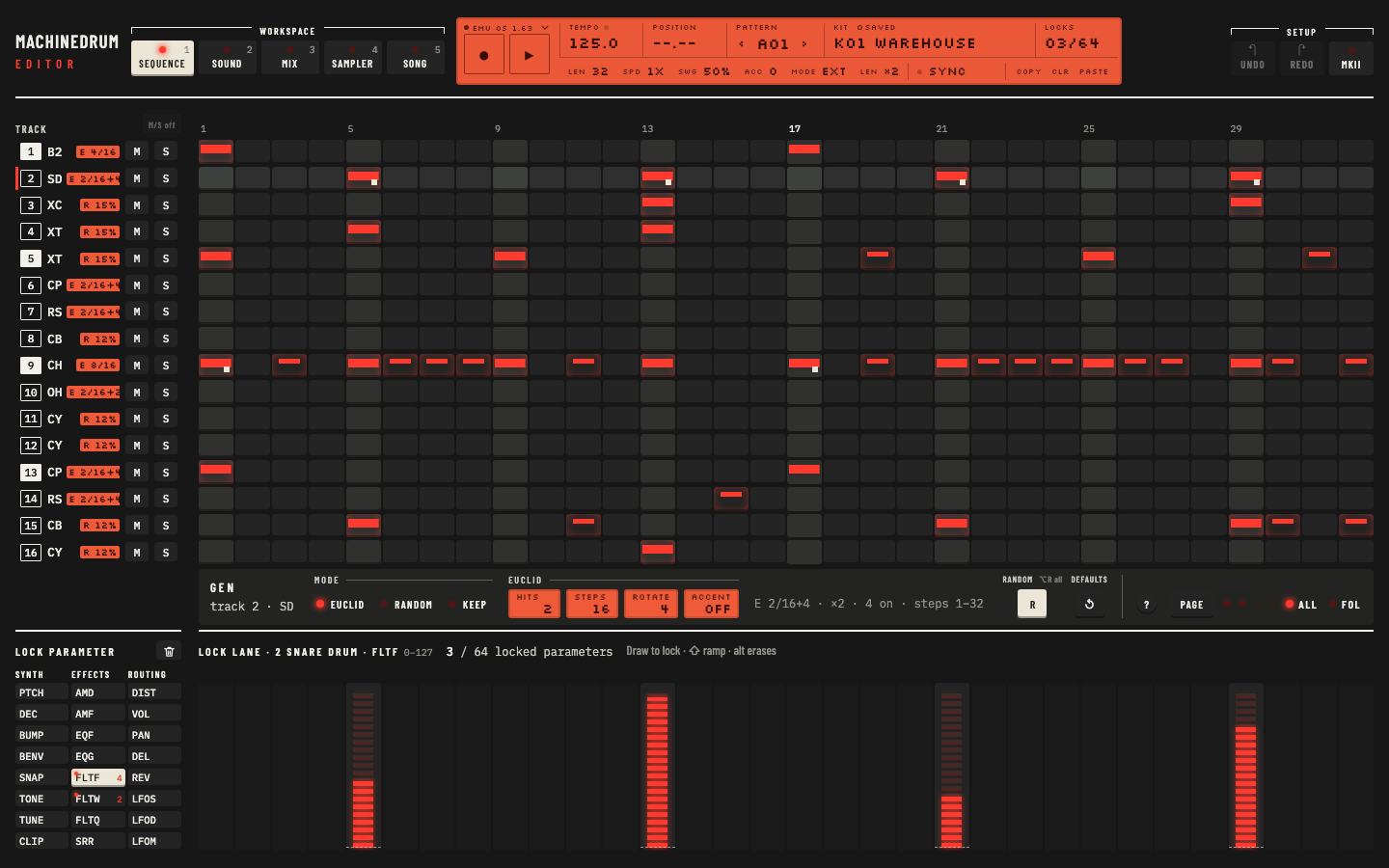
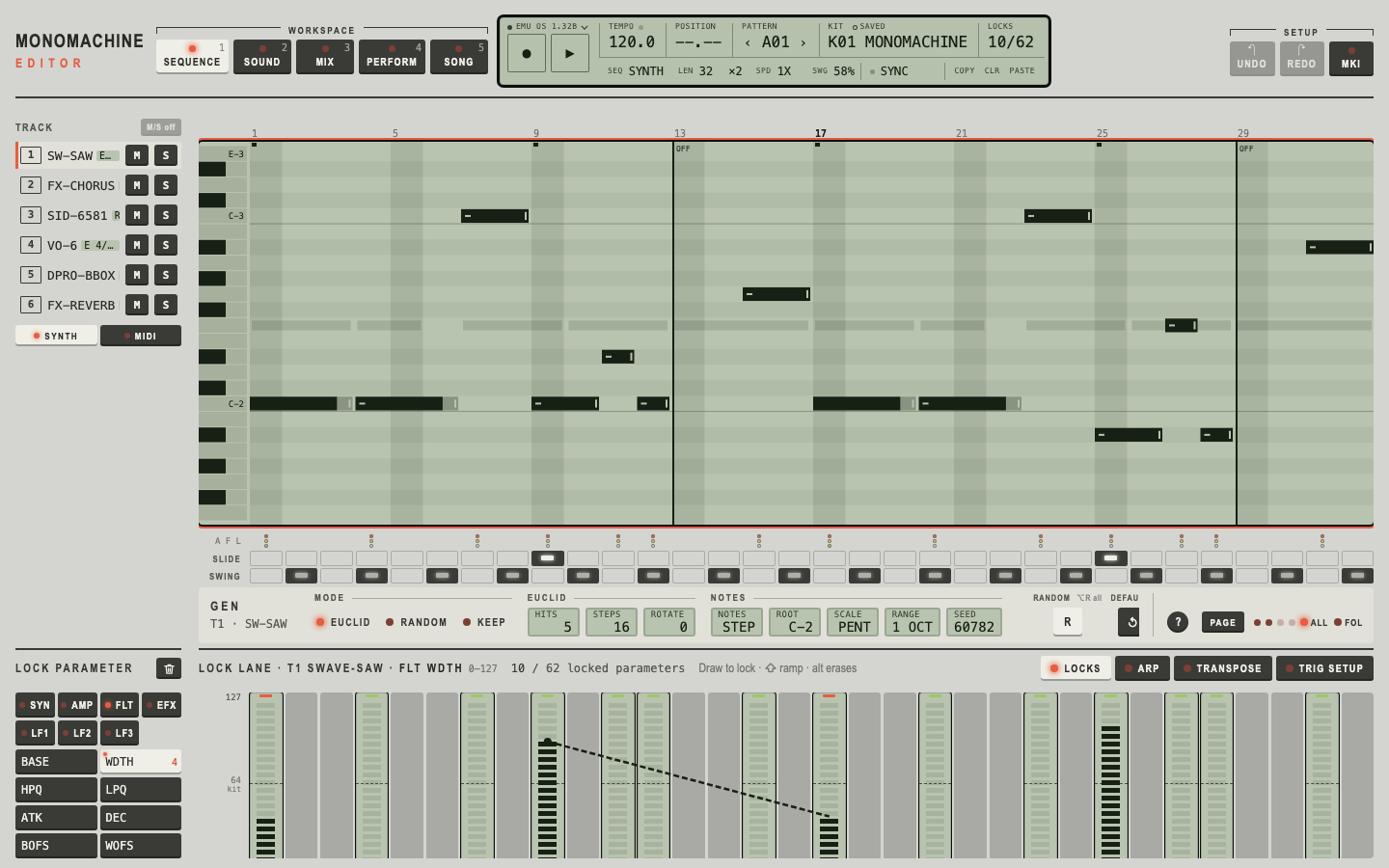
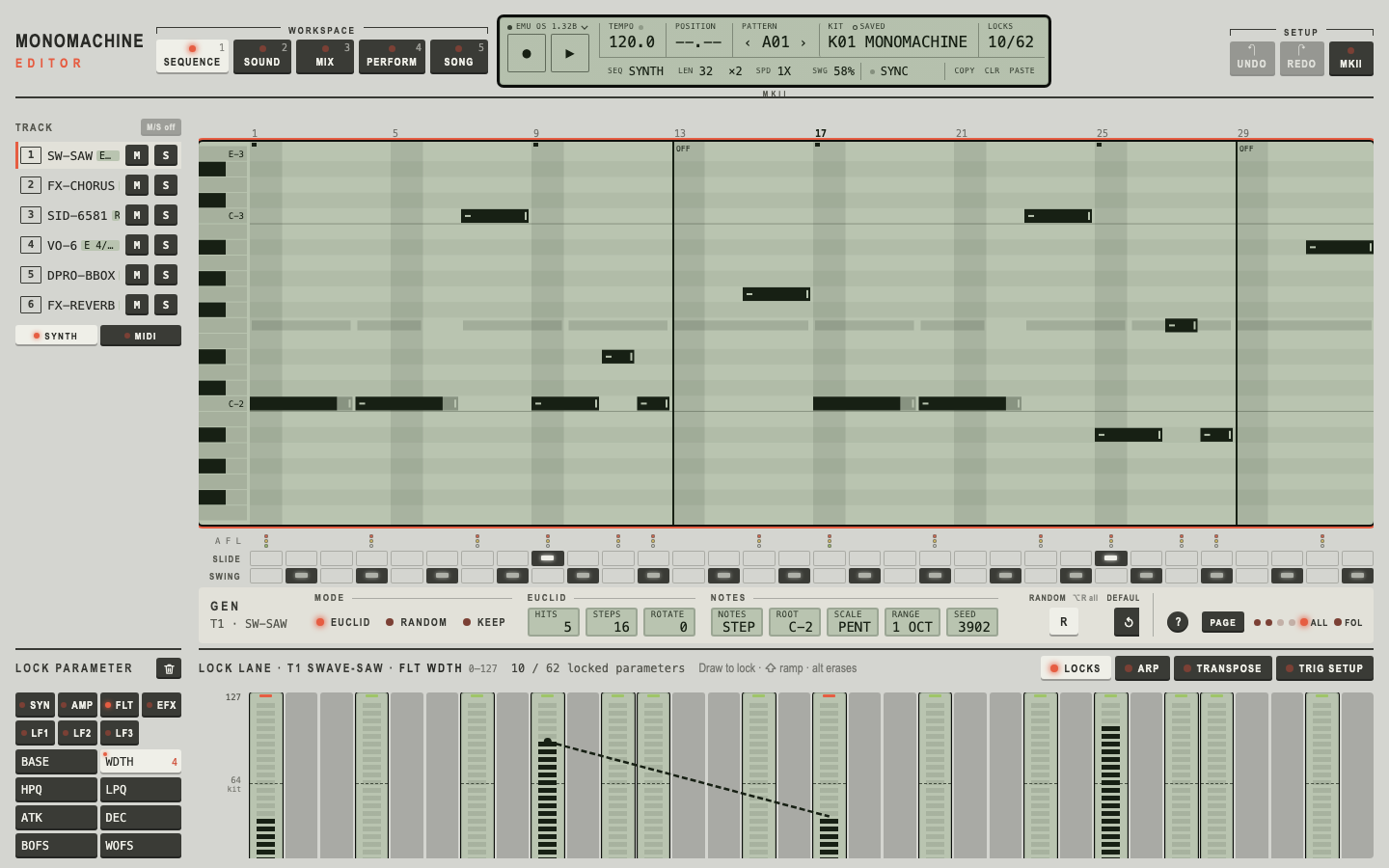
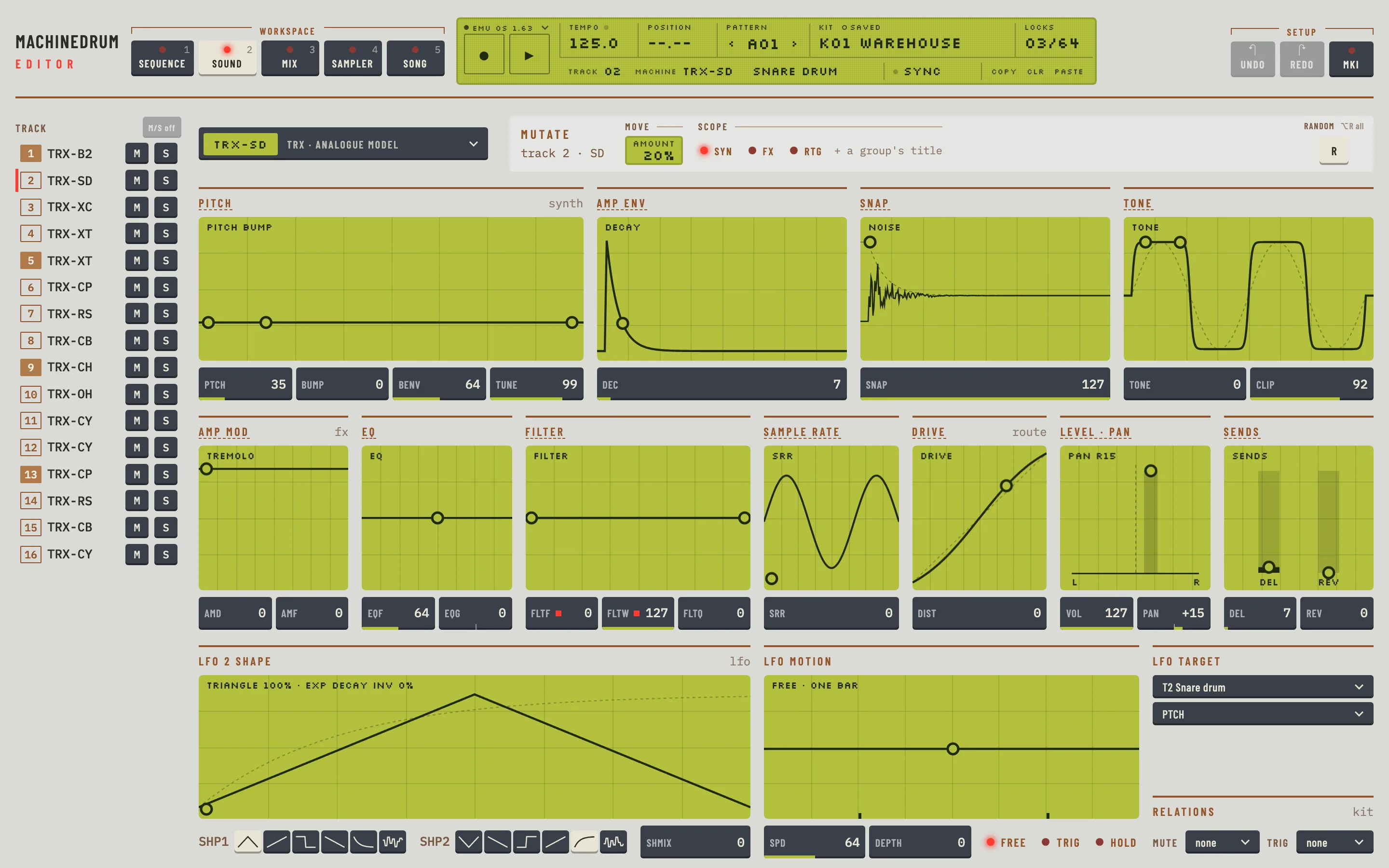
Editor screenshots of the real UI.
Everything on the screen, nothing hidden in menus.
The real firmware
The machine's own OS runs in the emulator.
One screen per job
Five workspaces per editor, every value in view.
Step grid, drawn locks
Draw parameter locks under the steps.
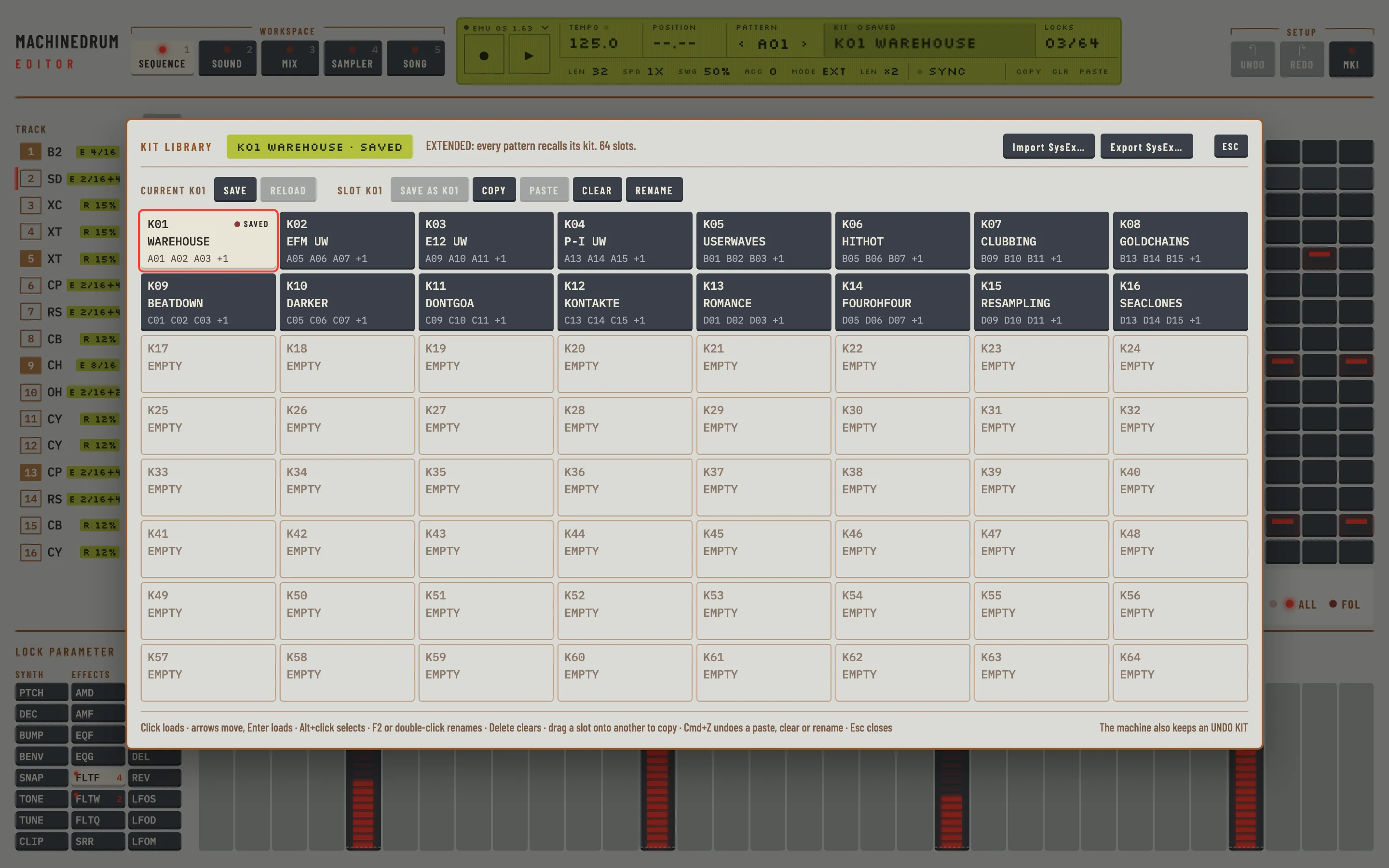
Kit and pattern library
Copy, paste, rename. Everything undoes.
Piano roll for the MM
Notes, slides and live recording.
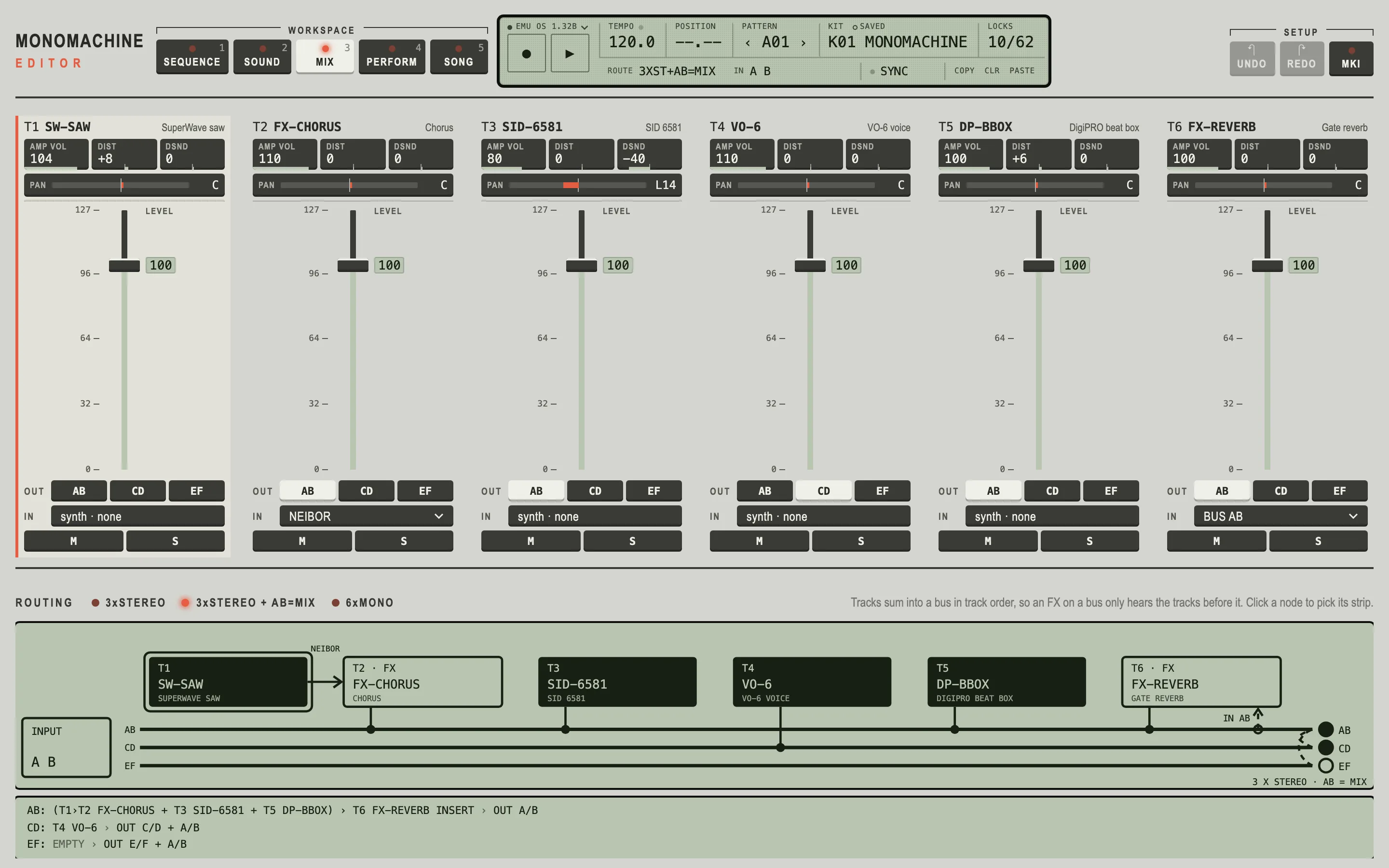
Mix and routing
Channel strips and the machine's own routing.
BetaHardware MIDI: edit your own machine over MIDI. Not yet tested on a real one.
A closer look.
Editor screenshots with sample data.
Before you download.
Do I need a ROM?
Yes, your own: Machinedrum OS 1.63 or Monomachine OS 1.32B, a full 8 MiB image. No firmware is included and we can't supply it.
How do I add the ROM?
Open the editor. The start-up card asks for your firmware: click it, choose the .bin (or a .zip with it) in the file chooser, and the editor checks it and copies it into its ROM folder. Drag and drop is not supported. Steps, keys and DAW use are in the user guide.
Does it work with my real machine?
In beta. HW MIDI drives a real Machinedrum or Monomachine over MIDI, but so far it has only been tested against the emulator.
Is it really free?
Yes, free software under the GPL-3. At download you can name your price; €0 is fine.
How do I uninstall it?
Delete the bundles the installer put in place. For the Machinedrum Editor: Machinedrum Editor.app in /Applications, Gearmulator MD.vst3 in /Library/Audio/Plug-Ins/VST3 and Gearmulator MD.component in /Library/Audio/Plug-Ins/Components. For the Monomachine Editor: the same with Monomachine Editor.app, Gearmulator MM.vst3 and Gearmulator MM.component. If you installed for yourself only, look in ~/Applications and ~/Library/Audio/Plug-Ins. Your ROM and settings stay where they are.
My DAW will not load the AU
macOS may have quarantined the unsigned component. In Terminal run xattr -dr com.apple.quarantine "/Library/Audio/Plug-Ins/Components/Gearmulator MD.component" (use Gearmulator MM.component for the Monomachine, and ~/Library/Audio/Plug-Ins/Components if you installed for yourself only), then rescan plug-ins in your DAW.
Known limits
- macOS only for now, tested on Apple silicon (M4 Pro).
- Not notarised by Apple. On macOS 15 and later the first install is blocked: open System Settings › Privacy & Security, scroll to the message about the installer and choose Open Anyway (then confirm). Right-click → Open no longer works for installers.
- About half a CPU core per instance.
- Over MIDI: no sample transfers; live recording and chains need the emulator.
- Alpha software: keep backups.
Free. Name your price if you like.
One installer per machine: the app, VST3 and AU.