Early start-up menu
On the machine you hold a key while you switch it on to open the early start-up menu. It holds the test mode, three resets and the firmware upgrade. The editor starts the machine for you, with the firmware you gave it, and has no such menu.
TEST MODE #
MD manual p.79
The test mode checks the hardware of the machine: its keys, knobs, memory and outputs. The editor runs on the emulated machine and has nothing to test.
EMPTY RESET #
MD manual p.79
The empty reset clears the memory of the machine. In the editor it is in the engine menu.
- Choose RESET MACHINE… in the engine menu (the engine name at the left of the LCD). A question says what each reset clears. Cancel is the default: [ESC] answers it. A click beside the question does nothing.
- Click Empty reset…. The editor asks a second time.
- Click Clear everything. The Empty reset panel opens. The editor writes an empty kit, pattern and song into every slot, then reads each one back.
- Read the report and click Done.
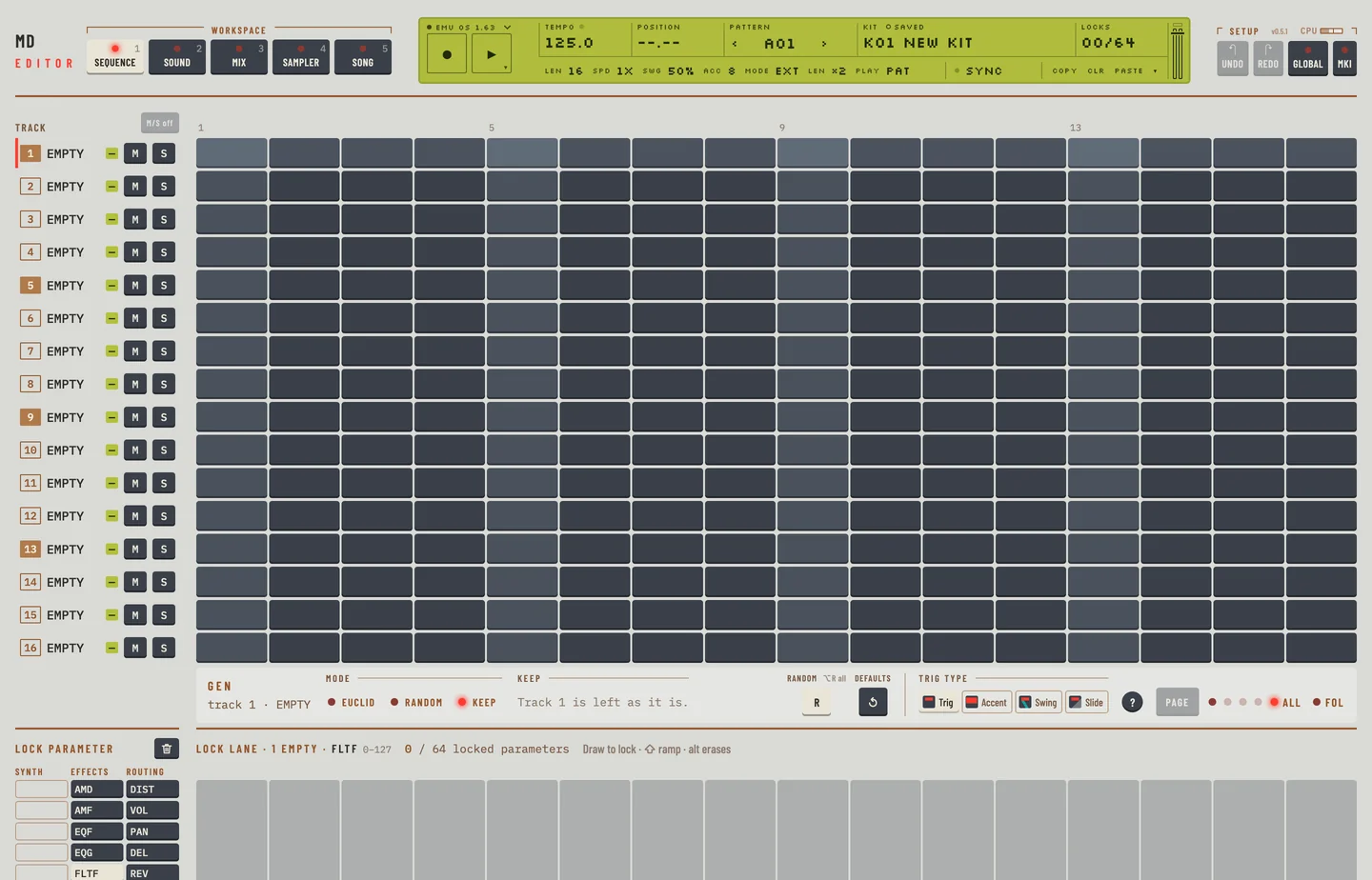
The globals and the samples stay. A global is reset in its own slot in GLOBAL (chapter 10).
FACTORY RESET #
MD manual p.79
The factory reset brings back the kits, patterns and songs the machine had when it left the factory. The editor takes them from your own ROM: it starts a second machine with it, in the background, and reads that machine's memory.
- Choose RESET MACHINE… in the engine menu.
- Click Factory reset…. The editor asks a second time.
- Click Factory reset. Preparing the factory data takes a few seconds. Then the Factory reset panel sends every kit, pattern and song and reads each one back. This takes a few minutes.
- Read the report and click Done. Kits 1 to 4 are named TRX UW, EFM UW, E12 UW and P-I UW.
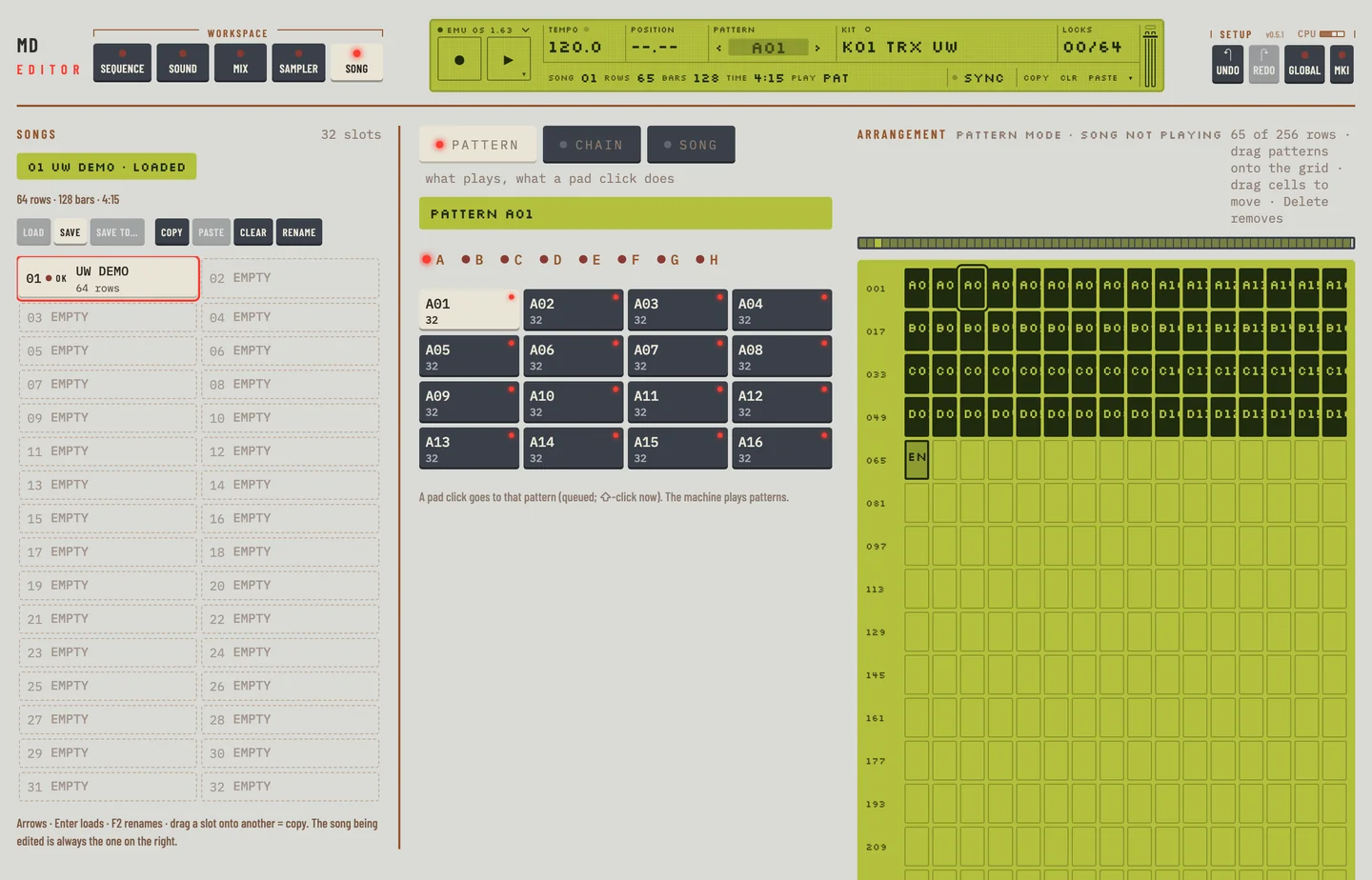
The globals and the samples stay. Undo takes the reset back in one step, as it does for the Empty reset. Export SysEx… in the question keeps a copy in a file.
SOFT RESET #
MD manual p.79
Not in the editor yet: You cannot soft reset the machine in the editor. Restart the editor.
MIDI UPGRADE #
MD manual p.79
The firmware upgrade runs on the real machine. The editor does not upgrade the firmware. It runs the Machinedrum OS 1.63 that you give it as a ROM.