Appendix A: machine reference
A machine is the sound engine of one track. The Machinedrum holds 16 tracks and each one carries one machine at a time. This chapter lists the machines by family, as the machine's own appendix does.
In the editor you choose a machine on the Kit workspace. Pick a track on the rail, click the machine key, choose a family, then choose a machine in it. The track takes the machine and the Kit page shows its knobs. [⌘] + [Z] takes the choice back. A machine has up to eight knobs, as on the LCD, and the Kit page shows each one in a group with its value box.
TRX MACHINES #
MD manual pp.A-1
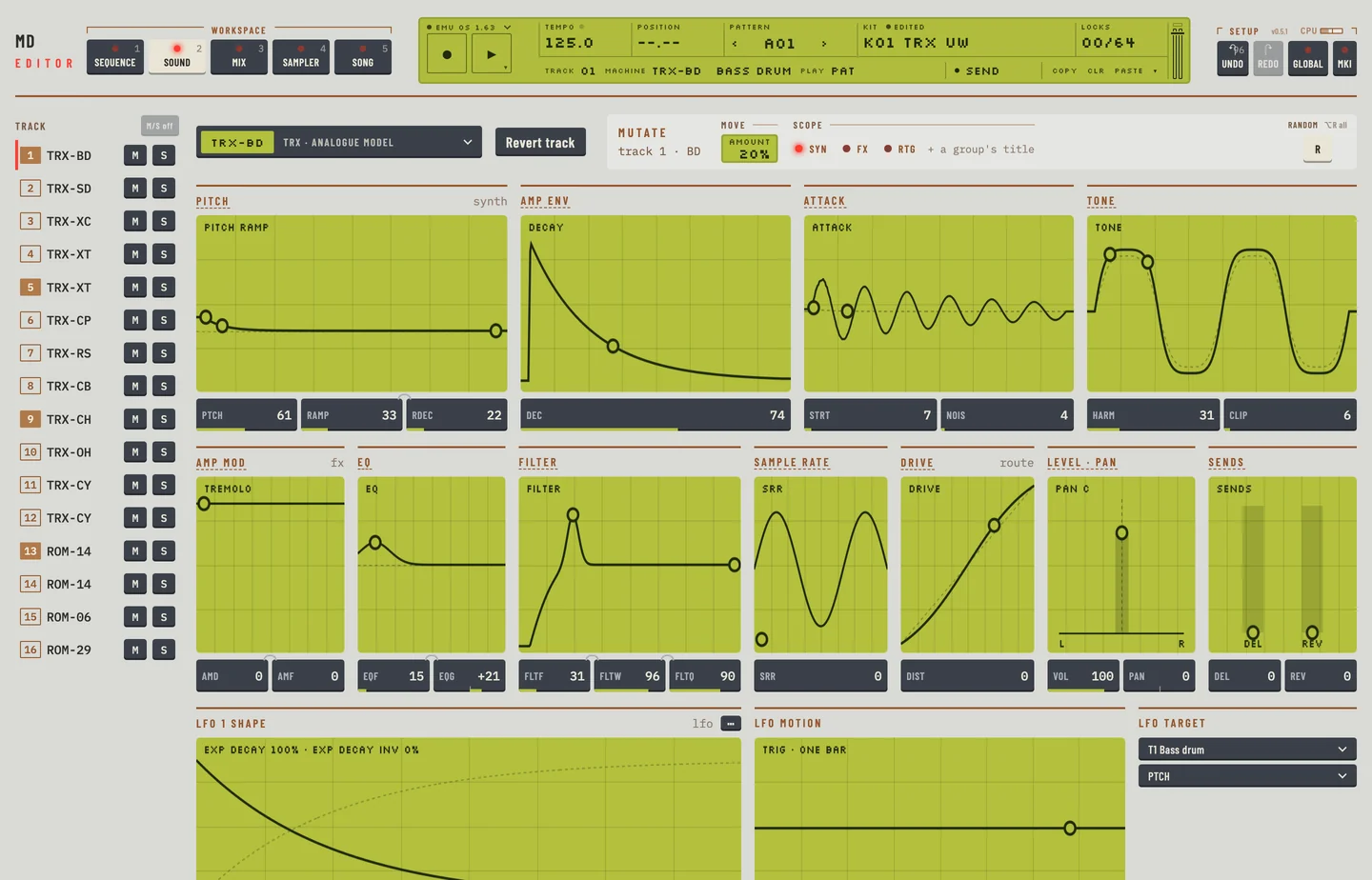
The TRX family models classic analogue drum voices. Each machine is one drum sound. The Kit workspace shows its knobs in groups, each knob with its own value box. Pitch, decay and ramp sit in the first groups, and tone and clip in the last.
| Machine | Sound |
|---|---|
| TRX-BD | Bass drum |
| TRX-B2 | Bass drum 2 |
| TRX-SD | Snare |
| TRX-XT | Tom |
| TRX-CP | Clap |
| TRX-RS | Rim shot |
| TRX-CB | Cow bell |
| TRX-CH | Closed hi-hat |
| TRX-OH | Open hi-hat |
| TRX-CY | Cymbal |
| TRX-MA | Maracas |
| TRX-CL | Claves |
| TRX-XC | Congas |
EFM MACHINES #
MD manual pp.A-4
The EFM family makes drum sounds by frequency modulation. The knobs sit in groups on the Kit workspace.
| Machine | Sound |
|---|---|
| EFM-BD | Bass drum |
| EFM-SD | Snare |
| EFM-XT | Tom |
| EFM-CP | Clap |
| EFM-RS | Rim shot |
| EFM-CB | Cow bell |
| EFM-HH | Hi-hat |
| EFM-CY | Cymbal |
E12 MACHINES #
MD manual pp.A-6
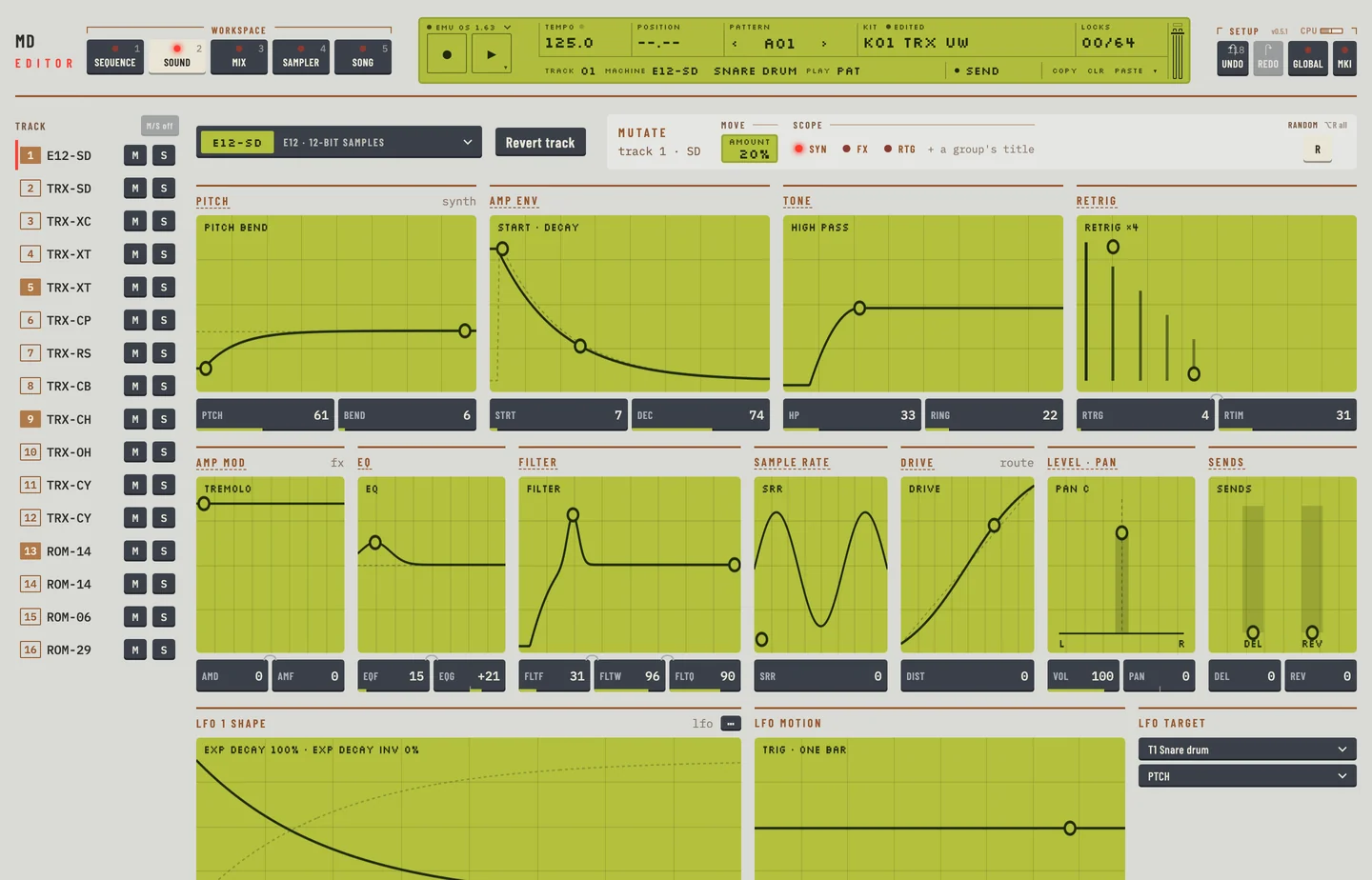
The E12 family is a set of drums and percussion that follow the sound of a 12 bit sampler. The knobs sit in groups on the Kit workspace.
| Machine | Sound |
|---|---|
| E12-BD | Bass drum |
| E12-SD | Snare |
| E12-HT | High tom |
| E12-LT | Low tom |
| E12-CP | Clap |
| E12-RS | Rim shot |
| E12-CB | Cow bell |
| E12-CH | Closed hi-hat |
| E12-OH | Open hi-hat |
| E12-RC | Ride |
| E12-CC | Crash |
| E12-BR | Brushed snare |
| E12-TA | Tambourine |
| E12-TR | Triangle |
| E12-SH | Shaker |
| E12-BC | Bongo conga |
P-I MACHINES #
MD manual pp.A-9
The P-I family is a set of percussion and instrument voices of its own. The knobs sit in groups on the Kit workspace.
| Machine | Sound |
|---|---|
| P-I-BD | Bass drum |
| P-I-SD | Snare |
| P-I-MT | Tom (PI-XT) |
| P-I-ML | Metallica |
| P-I-MA | Maracas |
| P-I-RS | Rim shot |
| P-I-HH | Hi-hat |
| P-I-RC | Ride |
| P-I-CC | Crash |
GND MACHINES #
MD manual pp.A-11
The GND family holds plain sources: a sine, noise, an impulse, and an empty machine that makes no sound. The empty machine is in the machine picker.
| Machine | Sound |
|---|---|
| GND-SIN | Sinus |
| GND-NS | Noise |
| GND-IM | Impulse |
| GND-EMPTY | Empty machine |
INP MACHINES #
MD manual pp.A-11
The INP family does not make a sound of its own. It reacts to the audio that enters the machine at input A or B. A gate opens when the input is loud enough, a filter follower and an envelope follower turn the input level into a moving sound.
| Machine | Sound |
|---|---|
| INP-GA/GB | Input gate A/B |
| INP-FA/FB | Input filter follower A/B |
| INP-EA/EB | Input envelope A/B |
MID MACHINES #
MD manual pp.A-12
The MID family turns a track into a MIDI controller, one machine for each of the 16 MIDI channels. The Kit workspace shows its knobs as plain knob boxes, with no picture. The routing and effects pages show as groups.
CTR MACHINES #
MD manual pp.A-12
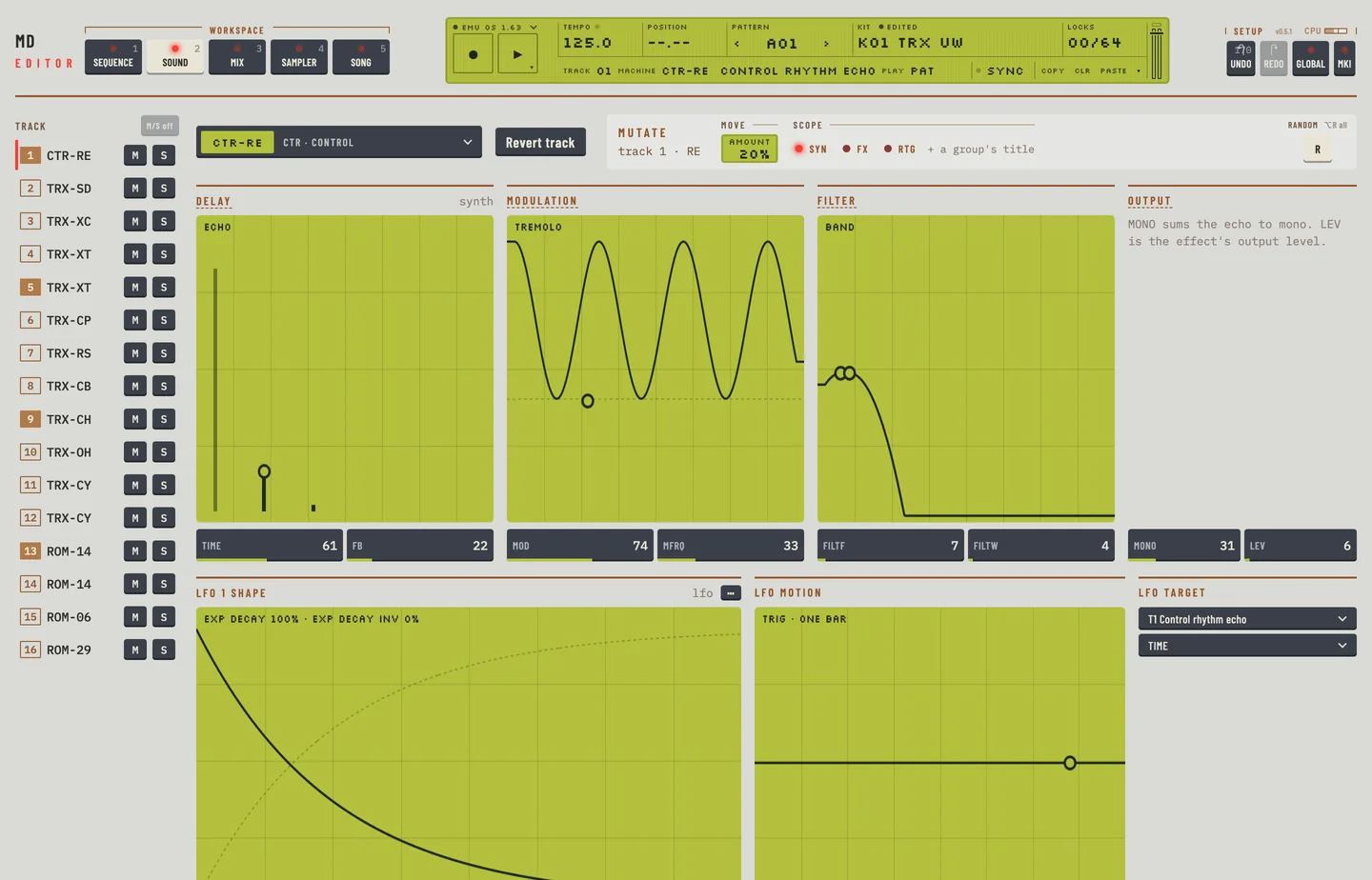
The CTR family does not play a sound. It moves the parameters of other tracks or of a master effect. Control all and Control 8 parameters move parameters of the other tracks, and their knobs show as plain knob boxes. The other four, Rhythm Echo, Gate Box, Master EQ and Dynamix, move the knobs of that master effect, and their groups show on the Kit workspace.
| Machine | Sound |
|---|---|
| CTR-AL | Control all |
| CTR-8P | Control 8 parameters |
| CTR-RE | Control Rhythm Echo |
| CTR-GB | Control Gate Box |
| CTR-EQ | Control Master EQ |
| CTR-DX | Control Dynamix |
ROM MACHINES #
MD manual pp.A-15
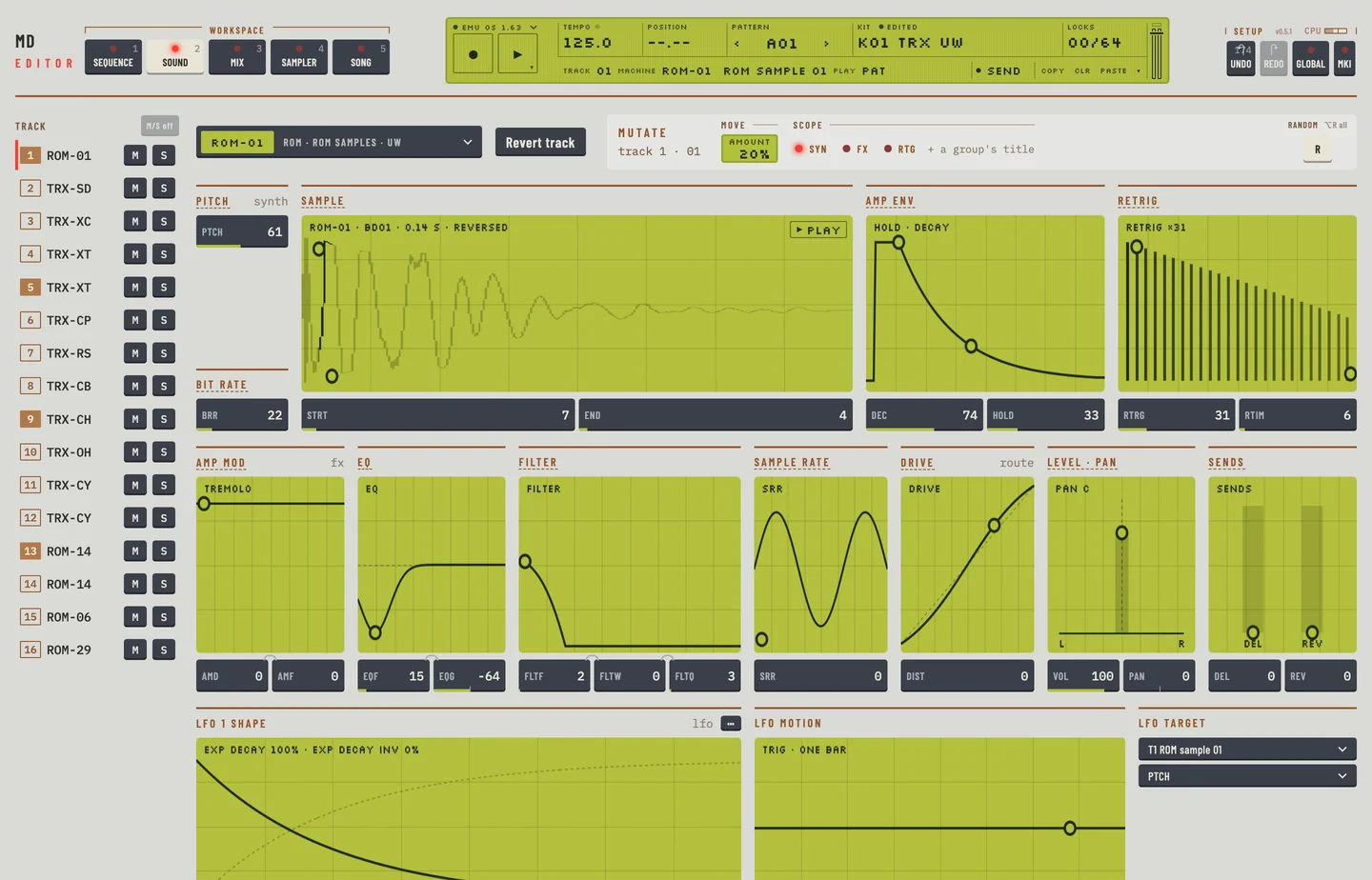
The ROM machines play the samples held in the machine's own memory. The first 24 play a sample as a one shot, and the second 24 play a sample as a loop, with a linear start and end. The Kit workspace shows a sample screen with <STRT> and <END>, and the Sampler workspace shows the slots as tiles.
| Machine | Sound |
|---|---|
| ROM-1 to ROM-24 | ROM sample player |
| ROM-25 to ROM-48 | ROM loop player (linear STRT, END) |
RAM MACHINES #
MD manual pp.A-15
The RAM machines play and record samples in the four RAM slots of the machine.
- RAM-R1 to R4 record. A recorder writes audio from an input or from the main mix to a RAM slot. You set one up on the Sampler workspace, or on the Kit workspace.
- RAM-P1 to P4 play the sample that is in the slot. The Kit workspace shows a sample screen with <STRT> and <END>, and the Sampler workspace shows the slot as a tile.
RAM MACHINES TUTORIAL #
MD manual pp.A-16
To record the main output and play it back in a track:
- Click the Sampler tab.
- Click an unused RAM slot.
- Click Set up sampling. The editor makes a recorder of the main mix in one track, takes that track out of the mix (its <VOL> is 0), and adds a player.
- Click Input A to record from input A instead. The recorder's <VOL> comes back. Click Main mix and it is 0 again.
- Click an empty step of the RAM view to put a recorder trig there. Click Freeze to mute the recorder on the machine. Click Live and it records again.
Press [⌘] + [Z] three times to put everything as it was before the set up.