Introduction, philosophy, highlights
The Monomachine is a six-track synthesizer and sequencer made by Elektron. Each of its six synth tracks plays one machine, a sound generator of its own kind, and runs it through its own filter, effects and three LFOs. A sequencer with 64 steps per pattern plays the six tracks and six more tracks of MIDI notes.
The Monomachine Editor puts the whole instrument on one web page. It runs the real Monomachine operating system, OS 1.32B, from a firmware image you supply. The page edits the machine and shows what the machine reports. The sound comes from the firmware, not from a copy of it.
The editor runs as a standalone application and as a VST3 or AU plug-in. It has two engines. The emulator runs the firmware on your computer. The HW MIDI engine edits a real Monomachine over MIDI with the same page.
HIGHLIGHTS #
MM manual p.1-2
The machine's main features, and where each one is in the editor:
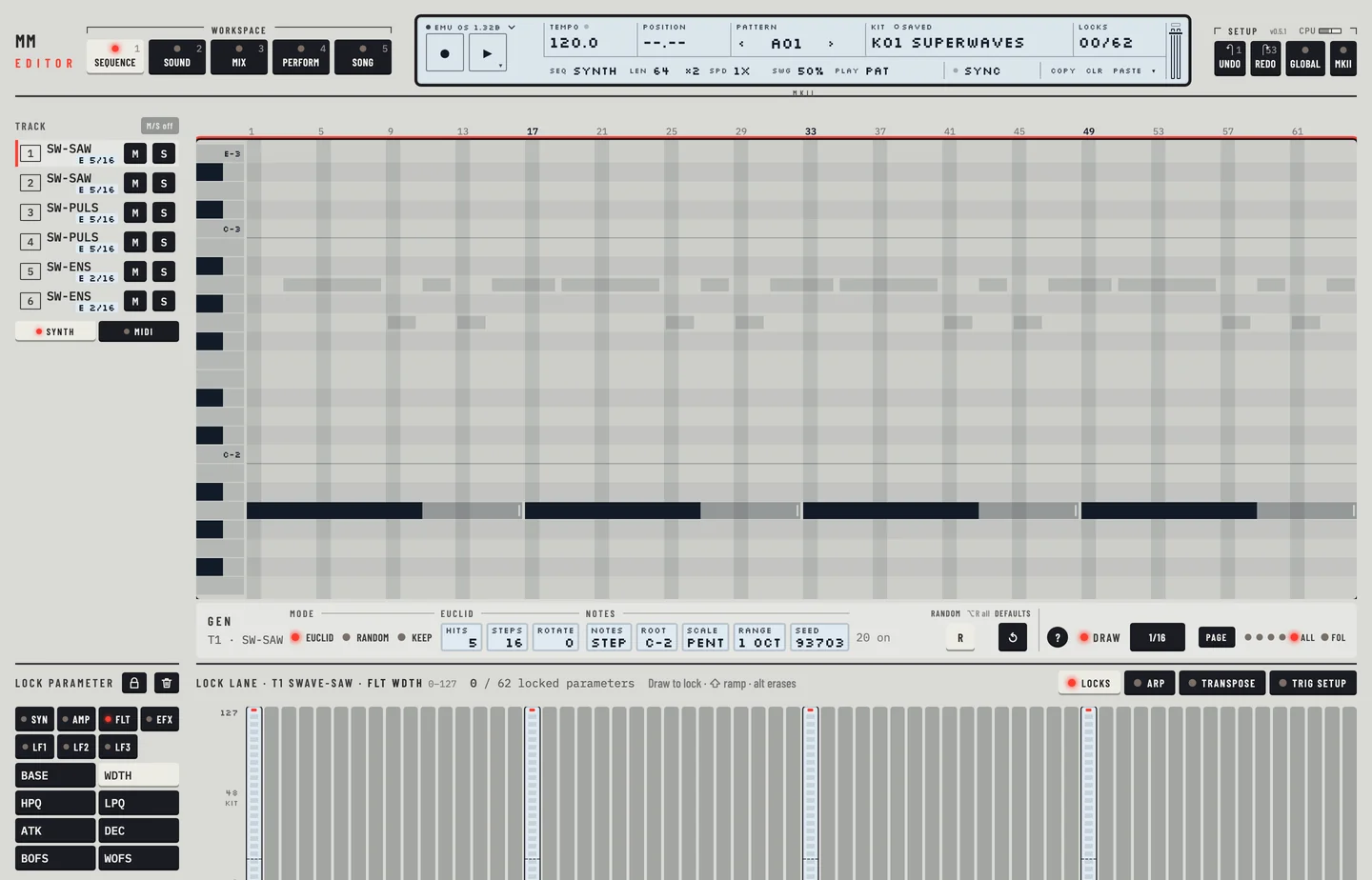
- Six synth tracks with a sequencer. The Pattern and Kit workspaces edit the six tracks of a kit and their patterns.
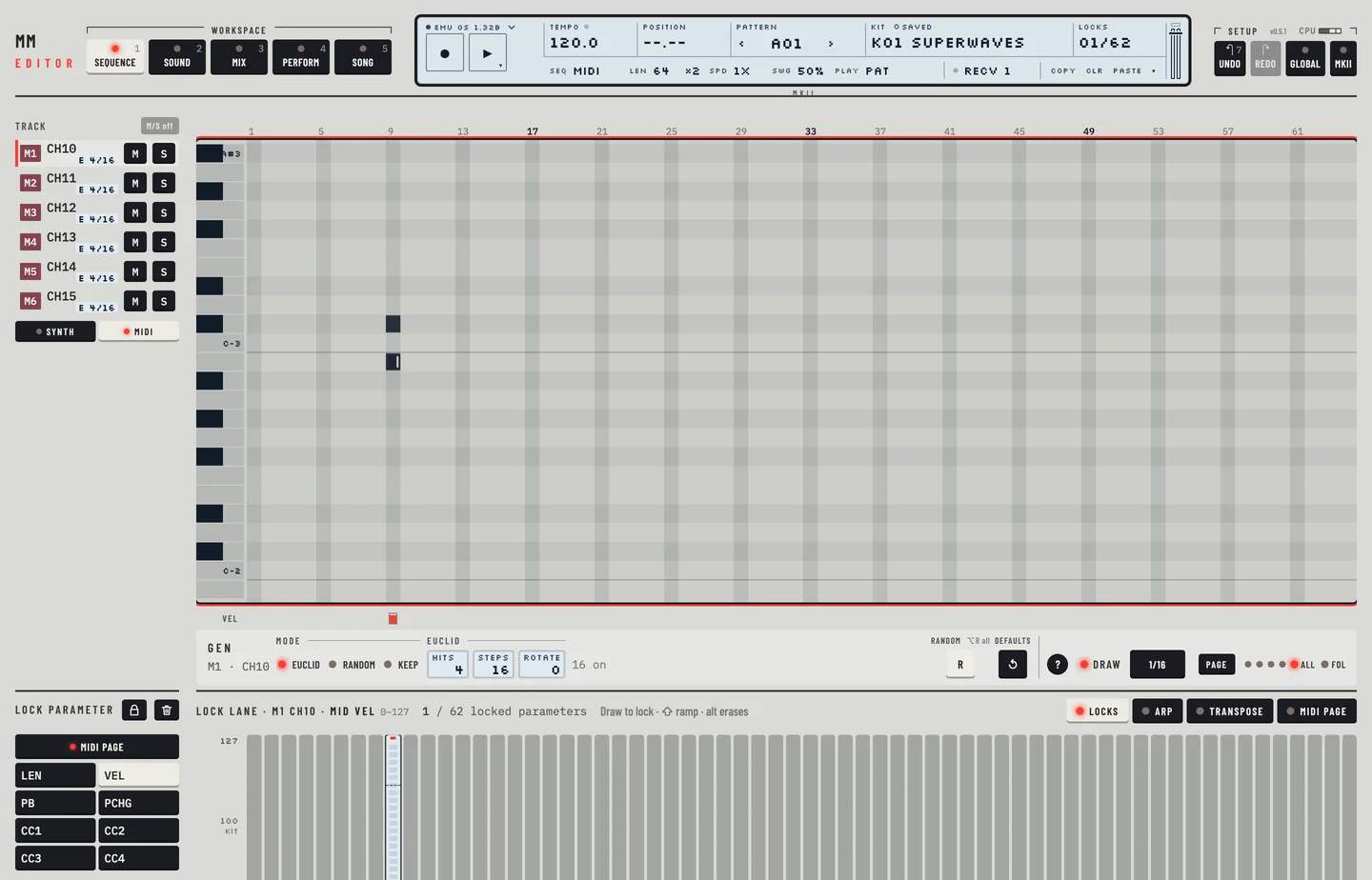
- Six MIDI tracks. The switch in the track rail changes between the synth side and the MIDI side. The MIDI tracks have their own page of settings.
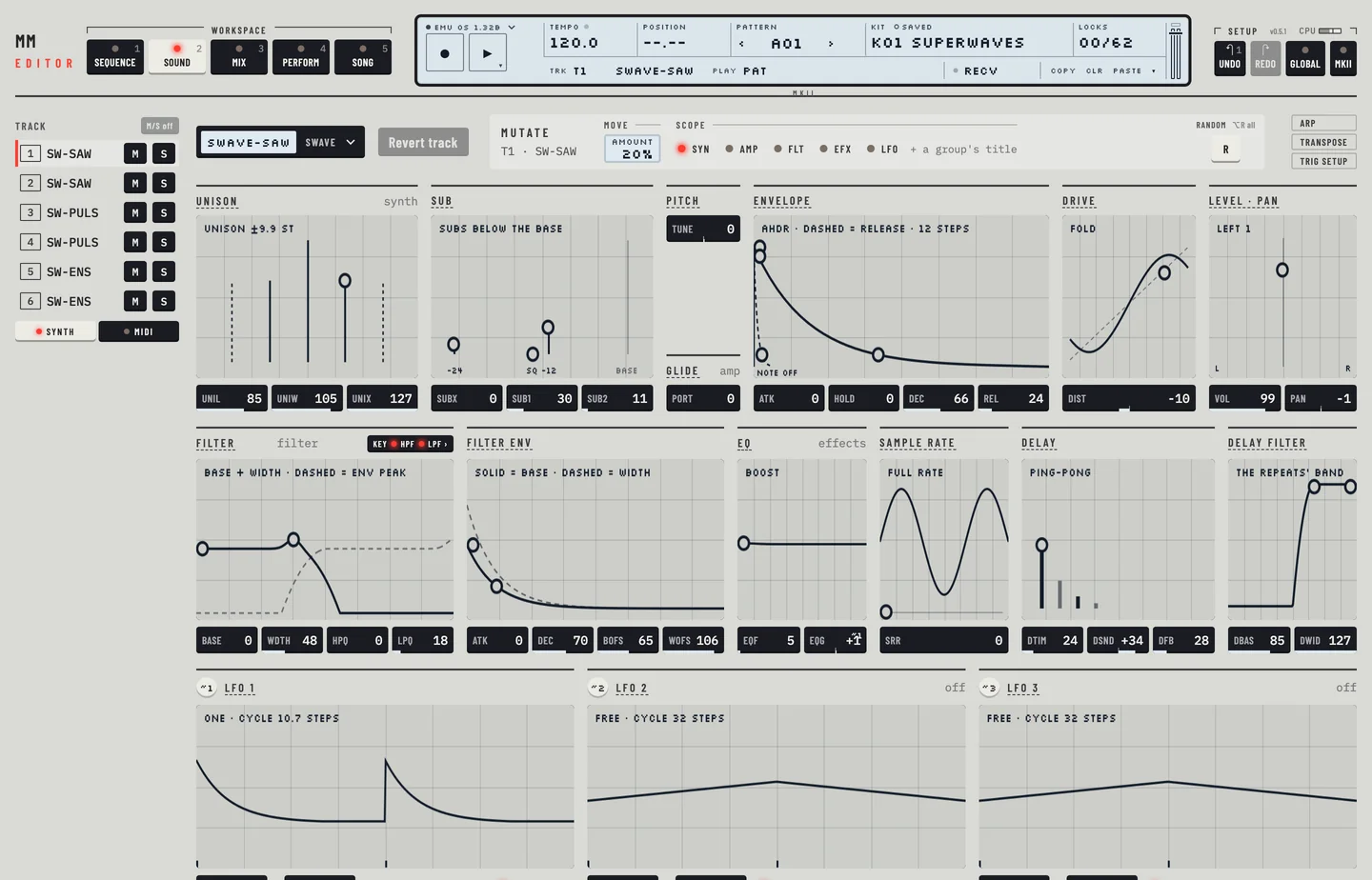
- Machines. Five synthesis families (SuperWave, SID, DigiPRO, FM+ and VO), the basic GND machines and the FX machines. The machine picker on the Kit workspace lists them by family.
- FX machines. Through, gate reverb, chorus, dynamics, ring modulator, phaser and flanger process audio from the inputs or from other tracks instead of making sound. Set their input in the Mix workspace and their parameters in the Kit workspace.
- One delay per track. It is tempo synchronised. Its controls are in the Effects groups of the Kit workspace.
- Three LFOs per track. They sit at the foot of the Kit workspace.
- Twelve arpeggiators. One for each synth track and each MIDI track. They are in the Pattern dock under Arp.
- Real-time control. Every value box on the page is live. A value you drag reaches the machine as a controller message at once.
DIGIPRO USER WAVEFORMS #
MM manual p.1-2
The DigiPRO machines of an MKII play 64 waveforms, and the MKII lets you load your own. The editor picks a waveform from 1 to 64 in the wave fields of the DigiPRO machines. The DigiPRO card of the GLOBAL page lists the 64 positions and loads, saves, renames, copies and erases the user waveforms: see "DIGIPRO MANAGER" in chapter 19.
The PLATE entry of the engine menu (the first key of the LCD) switches the editor between the MKI and MKII plate. The MKII adds the user waveforms and the DigiPRO double draw and ensemble machines. On the MKI plate the machine picker greys those two machines out and says "MKII only".
CONVENTIONS #
MM manual pp.1-1, 1-3
This guide writes controls in a fixed way.
- Bold names a control on the page: Mix, Effects.
- [SPACE] and [⌘] name a key of your computer. [⌘] is [CTRL] on Windows and Linux.
- <PLAY> names a field or light on the LCD at the top of the page.
- The manual's names for the machine's own keys, such as [FUNCTION] and [TRIG], appear where the editor does it differently, with the editor's way beside them.