Early startup menu, technical information
On the machine you hold a key while you switch it on to open the early startup menu. It holds the test mode, the resets and the OS upgrade. The editor starts the machine for you, with the OS you gave it, and has no such menu. The resets are in the engine menu instead.
TEST MODE #
MM manual p.1-110
The test mode checks the hardware of the machine: its keys, knobs, joystick and outputs. The editor runs on the emulated machine and has nothing to test.
EMPTY RESET #
MM manual p.1-110
The empty reset clears the memory of the machine.
- Choose RESET MACHINE… in the engine menu (the engine name at the left of the LCD). A question says what the reset clears. Cancel is the default: [ESC] answers it. A click beside the question does nothing.
- Click Empty reset…. The editor asks a second time.
- Click Clear everything. The Empty reset panel opens. The editor writes an empty kit, pattern and song into every slot through the SYSEX RECV screen, then reads each one back.
- Read the report and click Done.
The globals stay. A global is reset in its own slot in GLOBAL (chapter 19).
FACTORY RESET #
MM manual p.1-110
The factory reset brings back the factory kits, patterns and songs. The editor reads them from a second Monomachine that it starts from your own ROM, unheard. Your machine does not change until that data is read.
- Choose RESET MACHINE… in the engine menu. Cancel is the default.
- Click Factory reset…. The editor asks a second time.
- Click Factory reset. The editor prepares the factory data, which takes a few seconds. Then the Factory reset panel opens. The editor writes every kit, pattern and song through the SYSEX RECV screen and reads each one back. This takes a few minutes.
- Read the report and click Done.
The globals and the user waveforms stay. To reset a global, use Clear in its own slot in GLOBAL (chapter 19).
Start from factory memory… in the same question restarts the emulated machine as on a new install and deletes the saved machine memory. The globals are reset too, and it cannot be undone. See "MACHINE MEMORY" in chapter 24.
SOFT RESET #
MM manual p.1-111
The soft reset restarts the machine and keeps its data. In the editor, close the editor and open it again.
MIDI UPGRADE, SEND UPGRADE #
MM manual pp.1-111, 1-112
The OS upgrade runs on the real machine. The editor does not upgrade the OS. It runs the Monomachine OS 1.32B that you give it as a ROM.
MKI / MKII DIFFERENCES #
MM manual p.1-114
The MKI and the MKII run the same OS. The MKII adds the user waveforms of the DigiPRO machines. The editor draws the panel of either model.
- Open the engine menu at the left of the LCD and choose PLATE: MKI or PLATE: MKII. The panel changes to the other model: the MKI has a light-blue LCD, the MKII a bluish-white one.
- Choose it again to go back.
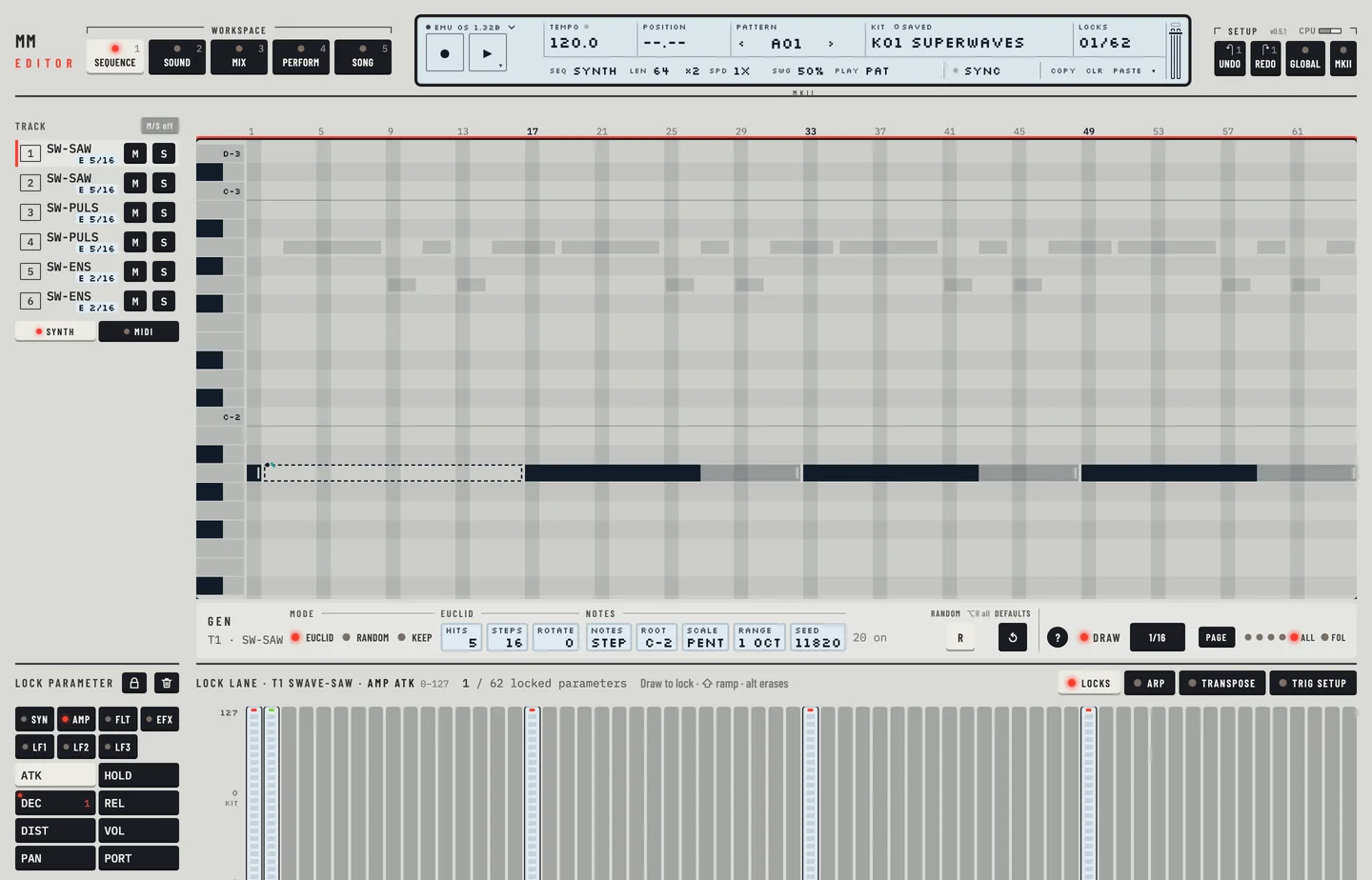
With MKI chosen, the machines that need the MKII are grey in the machine list.
SPECIFICATIONS #
MM manual p.1-113
The specifications of the hardware, its connectors, memory and sizes, belong to the machine. The editor lists none of them.
CREDITS, CONTACT #
MM manual pp.1-115, 1-116
The credits and the contact of the manufacturer belong to the machine's manual. The editor shows its own version in the top bar and in the title of the editor's menu.