Advanced sequencer control
TRIG TRACKS #
MM manual pp.1-58, 1-59
Every note on a synth track is a trig. A trig can fire the amplitude envelope (AMP), the filter envelope (FILTER), the LFO envelope (LFO), or any of them together. The machine keeps one trig track for each. In the editor you set them in the step menu. A MIDI track has no trig tracks (see chapter 16).
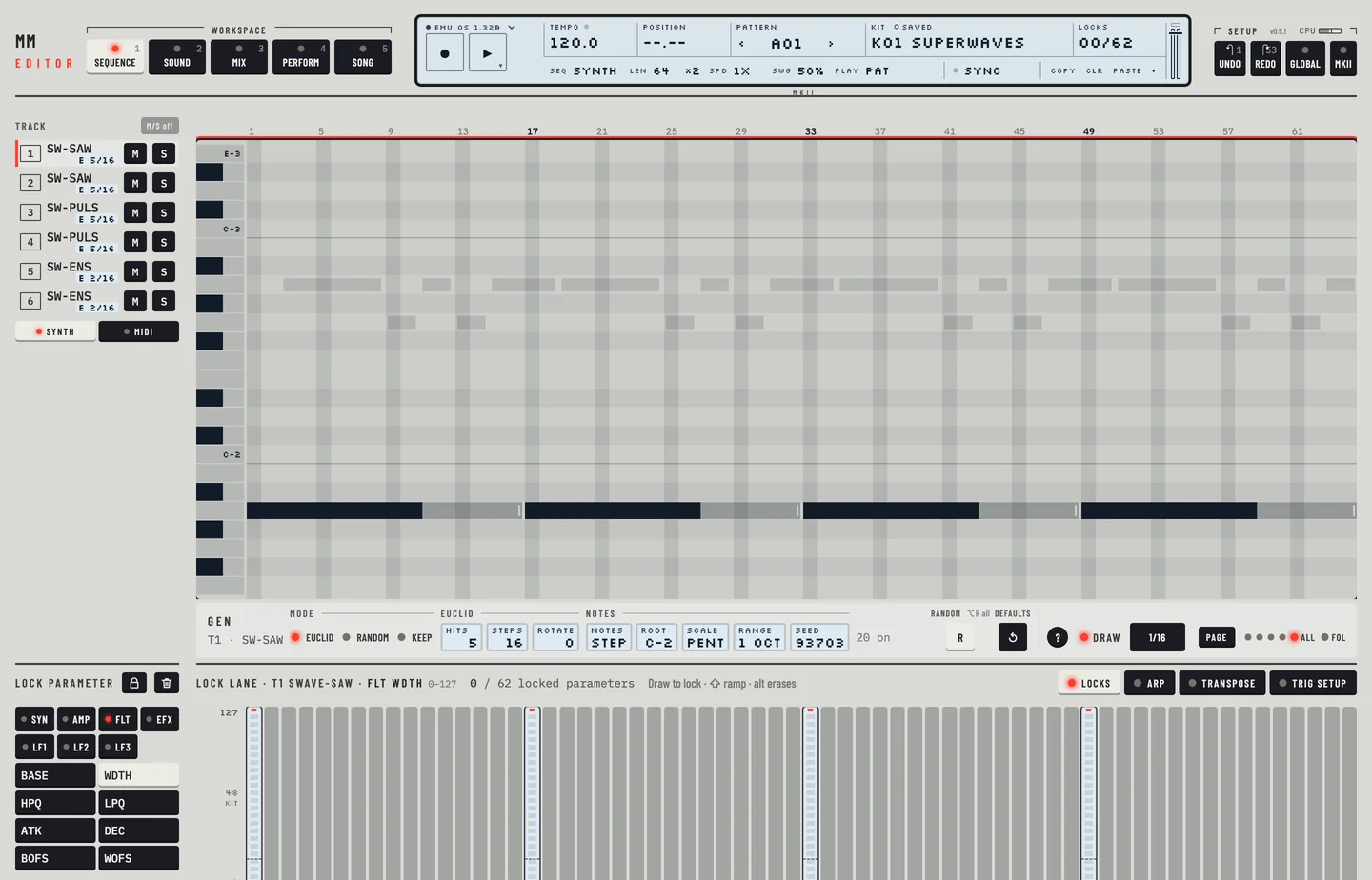
A note you draw in the roll fires all three envelopes. To change that:
- Right-click the step in the roll (Ctrl-click on a Mac), or select steps and click the ⋯ on the selection.
- Choose Envelopes. Amp, Filter and LFO have a tick for each envelope the trig fires.
- Click one to switch it. On a selection it switches every trig in it: on when one of them has it off, else off.
A note that fires only some envelopes shows their letters at the start of its bar: A, F and L. Where the bar is too narrow, three small ticks stand for them in the same order. A note that fires all three has no mark.
- A single trig fires one envelope only: AMP, FILTER or LFO.
- A NOTE OFF has a small yellow lamp at the top of its step, as the machine's TRIG key light. Where it ends no note, OFF is written beside it.
Not in the editor yet: The editor shows the trig colours as marks in the roll. It does not show the machine's trig key lights.
TRIGLESS TRIGS #
MM manual p.1-59
A trigless trig fires no envelope. It is there to carry a pitch or locks.
- Right-click an empty step, or a note, and choose Trigless trig (no envelopes).
- An empty step gets a trigless trig at the track's last pitch. A note keeps its pitch and loses its envelope trigs.
- Draw the locks in the lock lane.
Choose Trigless trig again to take it away, with its locks. The roll draws a trigless trig as a small hollow square in its step. Click or select it as any step. The step menu works on a selection as well.
PITCHLESS TRIGS #
MM manual p.1-59
A pitchless trig fires envelopes without a pitch of its own: it plays the note before it. On the machine you hold EXIT and press the trig.
- Right-click an empty step, or a note, and choose Pitchless trig (the note before).
- An empty step gets a trig with all three envelope trigs. A note loses its note and keeps its envelope trigs and its locks.
- Choose Pitchless trig again to give the step a note of its own, the track's last pitch.
The roll draws a pitchless trig as a dashed bar at the pitch it plays. Its envelopes are in the step menu, under Envelopes. The step menu works on a selection as well.