The LCD user interface
The machine's screen shows the tempo, a level bar, eight parameter circles, four position boxes, the kit and the pattern. The editor's LCD is a strip in the top bar. It shows the same state: the fields that matter all the time stay in view, and the parameters of the screen live in the workspaces.
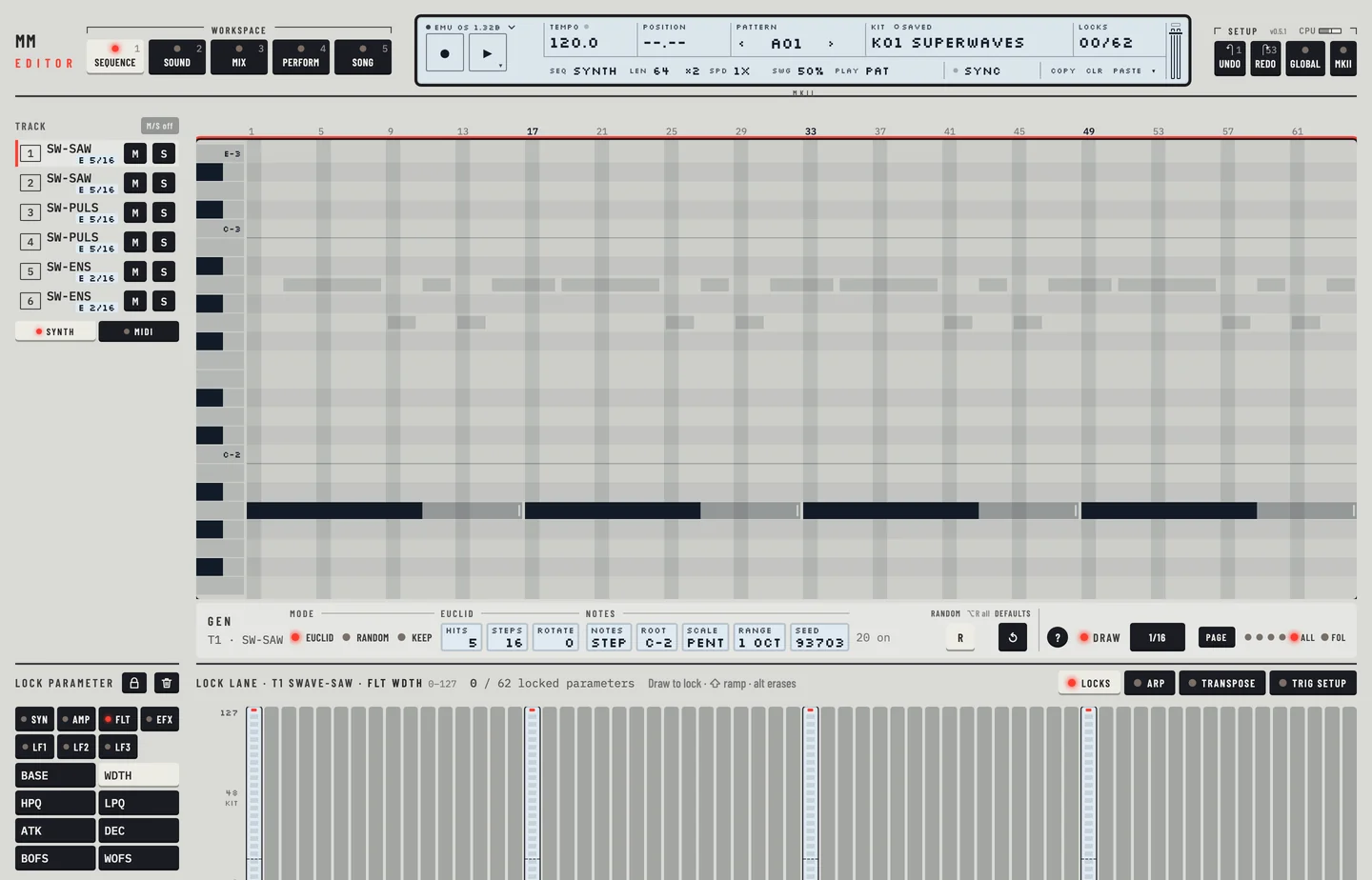
The LCD has two lines. The first line, from the left: the engine menu, the record and play keys, <TEMPO>, <POSITION>, <PATTERN>, <KIT> and <LOCKS>. The second line changes with the workspace. At its right end it has the sync field, then the keys <COPY>, <CLR> and <PASTE>.
LCD #
MM manual pp.1-4, 1-10
Tempo
<TEMPO> shows the tempo in beats per minute, with one decimal. Drag it up or down to change it. When the host sets the tempo, the field is marked as the DAW's tempo and refuses edits. This is the editor's counterpart of the EXT the machine shows when it follows an external clock.
Level and parameters
The machine's level bar is the LEVEL fader of the Mix workspace. The eight parameter circles with their names are the value boxes of the Kit workspace. Each box has the parameter's name and its value.
- Click Mix and drag the LEVEL fader of track 1. The level follows.
- Press [⌘] + [Z]. The level is back.
- Click M on track 1 to mute it, and click M again to unmute it.
Position
<POSITION> shows the playback position as bar and step, for example 02.05. It reads --.-- when the machine is stopped. While the machine plays it counts the page and the step in it, and the same page is lit in the track rail. In the Pattern workspace, four lights beside the Page key show which pages the pattern has and the page shown, and a playhead runs across the steps.
Status
The record key and the play key light while the machine records and plays. The play key reads a triangle when stopped and a square when playing. While the machine is paused the play key blinks and <POSITION> keeps the step the pause holds.
Kit
<KIT> shows the number and the name of the current kit, for example K01 MONOMACHINE. Beside the label a small field reads saved or edited. It reads edited when the values of the kit differ from the kit saved in its slot on the machine. Click the field to open the kit library. The ‹ and › keys beside the name load the kit before or after, as a click in the library does. When the kit has unsaved edits the machine asks first.
Pattern
<PATTERN> shows the current pattern, A01 to H16. The ‹ and › keys beside it step to the pattern before or after. Click › to step to the next pattern and ‹ to step back. Click the name to open the pattern chooser. A pattern that waits for the end of the current one blinks.
Machine
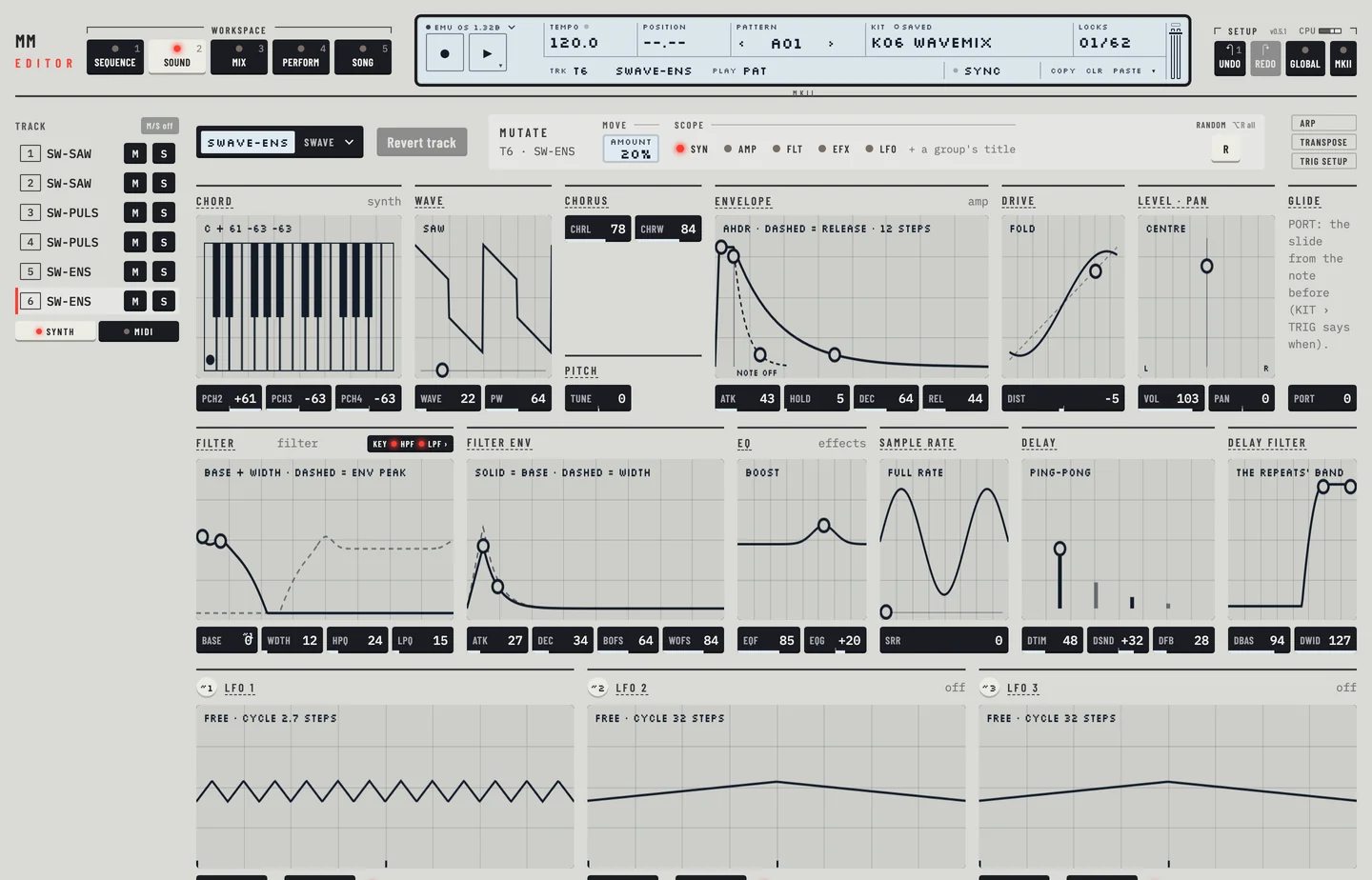
The machine of the selected track is named in its row of the track rail and in the header of the Kit workspace. The header is also the machine picker: click it to change the machine. Pick each of the six tracks in turn and the rail and the header name the machine of the track you picked.
Locks
<LOCKS> counts the locked parameters in the pattern, out of 62. The Monomachine shares those 62 between all twelve tracks. The field warns when you near the limit.
Sync
The sync field at the right of the second line reads Sync when the editor and the machine agree. It reads RECV while the emulator takes a dump from the editor. With a real machine it reads SEND and a number when edits wait to go to it. Click it to send them.
LAYER EDIT AND WINDOWS #
MM manual p.1-10
On the machine, windows open over the screen and the keys below them stay live. In the editor, dialogs open over the page with their own buttons. The kit library, the pattern chooser, the machine picker and the GLOBAL and AUDIO / MIDI panels are windows of the page. Press [ESC] to close a dialog or panel.